
Cyborg ERP – Notification Management

Cyborg ERP – Notification Management

Cyborg ERP – Notification Management

Notification Management for Modern Campuses

Inform. Remind. Alert. Engage.

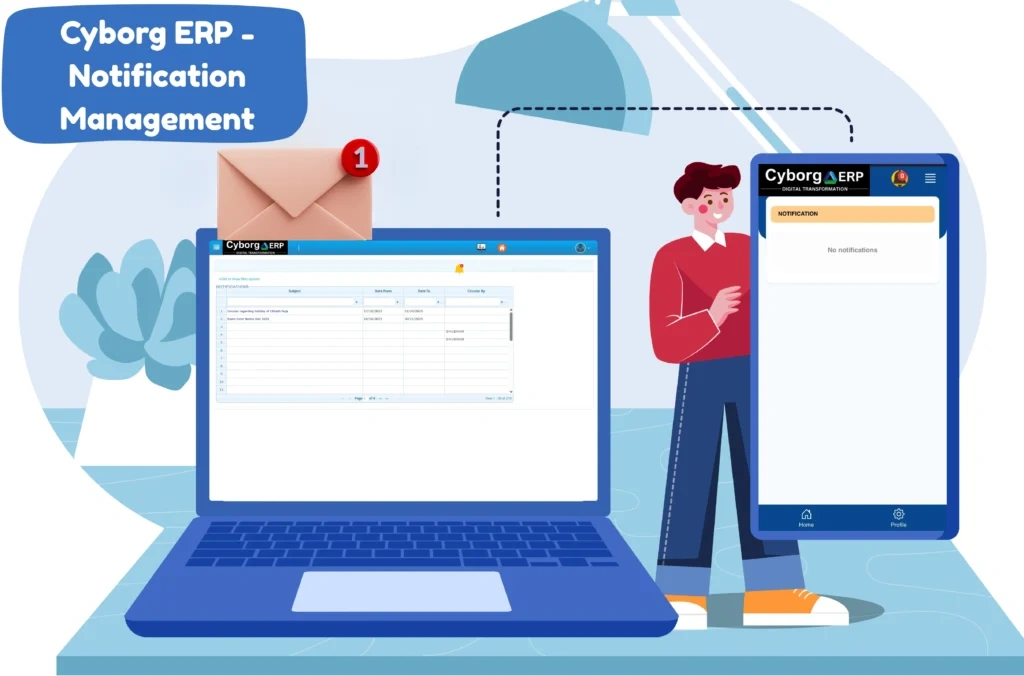
Cyborg ERP’s Notification Management centralizes campus communication so you can deliver library due reminders, fee alerts, exam updates, class notices, event announcements, and urgent safety messages from one console to every channel your students use. Built for multi-campus institutions, it keeps messages timely, targeted, and trackable while reducing manual effort for admin teams.


Why Institutions Choose Cyborg Notification Management

  • Unified student inbox: In-app feed with badge counts so important updates are never missed.
  • Send once, reach everywhere: Push, In-App, Email, SMS, Web Push, and optional WhatsApp connector.
  • Precise targeting: Program, year/semester, section, campus, fee status, library overdues, attendance %, exam center.
  • Automation first: Event-based triggers for due dates, results, timetable publish, receipts, and circulars.
  • Secure & governed: Role-based approvals, audit trails, quiet hours, opt-in/opt-out, and regional compliance.
  • Deep ERP integration: Works natively with Digital Library, Fee/Finance, Exam, SPA, Mentor-Mentee, Event/C-EMS, Attendance, and LMS.

Quick Benefits Snapshot

  • Higher student reach and faster acknowledgement.
  • Fewer help-desk queries via proactive reminders.
  • On-time fee collections and library returns.
  • Clear governance with approvals and audit logs.
  • Consistent multi-channel experience across web and mobile.

Elevate Campus Communication

Transform the way your institution informs and engages learners. With Cyborg ERP’s Notification Management, every message is timely, relevant, and measurable — helping students stay on track and admin teams stay in control.

📚 FREQUENTLY ASKED QUESTIONS (FAQS)


Q1. Can we send both scheduled and real-time messages?

Ans: Yes. Use campaigns for scheduled sends and triggers for real-time events.

Q2. What if a student uninstalls the app?

Ans: Fallback channels (Email/SMS/Web Push) continue based on your configured rules.

Q3. Can parents receive notifications?

Ans: Yes. Add parent contacts as linked recipients and define preferred delivery channels for them.

Q4. Is WhatsApp required from day one?

Ans: No. You can start with Push, Email, and SMS, and enable WhatsApp later using the optional connector.

Q5. How do we avoid over-messaging?

Ans: Apply frequency caps, quiet hours, and category-level preferences while using precise segmentation.

Contact Us

Contact Us

We typically reply in a few minutes.