
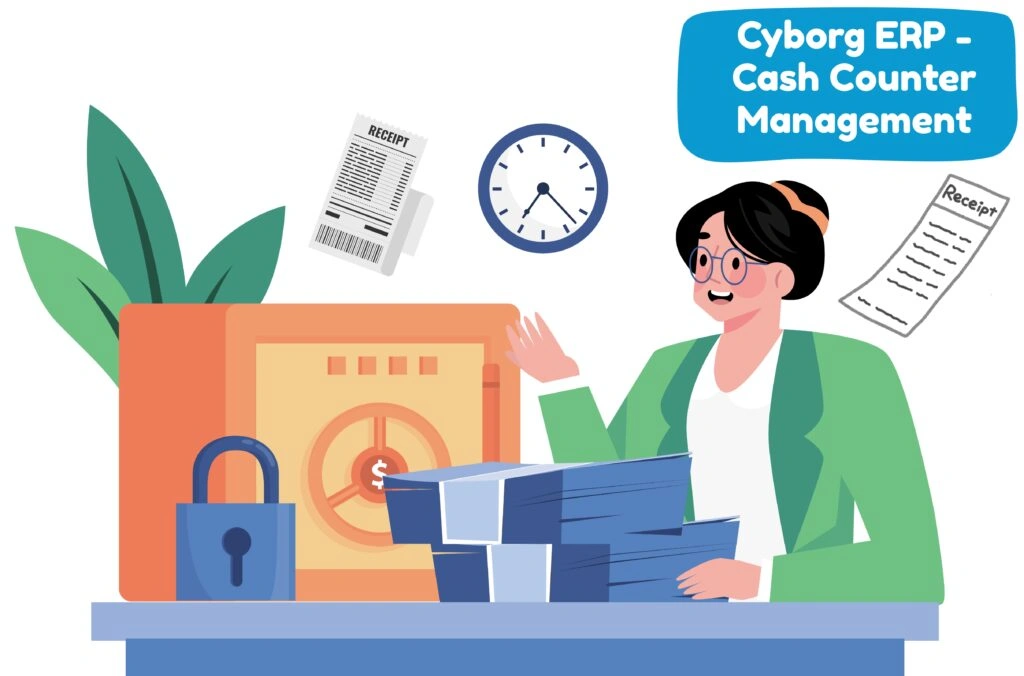
Bring every payment to one secure window—academic, examination, back-exam, hostel, library, sports/activities, and miscellaneous—with instant receipts, live ledgers, and clean audit trails. Parents and students can also pay online and see all receipts in one place.
Custom heads, amounts, schedules, and eligibility rules can be set once and reused every session.
“One clean repository for counters, finance, and audits.”
Get Started with Cyborg Fee Management System
Digitize fee collection, eliminate manual errors, and bring all payments—online and offline— into one transparent, secure, real-time system. Talk to our team and see how Cyborg ERP can streamline your entire financial workflow.
Ans: Yes—multiple heads (like Academic + Back-Exam) can be collected in a single receipt, with a clear head-wise split.
Ans: Yes—every receipt posts instantly to student ledgers and Finance heads without any manual re-entry.
Ans: Cash, card, UPI, net banking, cheque, and approved wallets—all recorded with mode-wise reports.
Ans: They follow a role-based approval flow, with clear reason codes and full audit logs for transparency.
Ans: Yes—online and counter receipts appear together in one unified archive and ledger view.
Ans: Create exam-specific fee windows, accept payments online/counter, and generate head-wise reports for the Examination Cell.
Ans: Yes—configure instalment plans; automated reminders go out before due dates.
Ans: Mark the cheque as bounced and the system reverses the receipt with a full traceable audit trail.