
Schedule. Deliver. Evaluate.
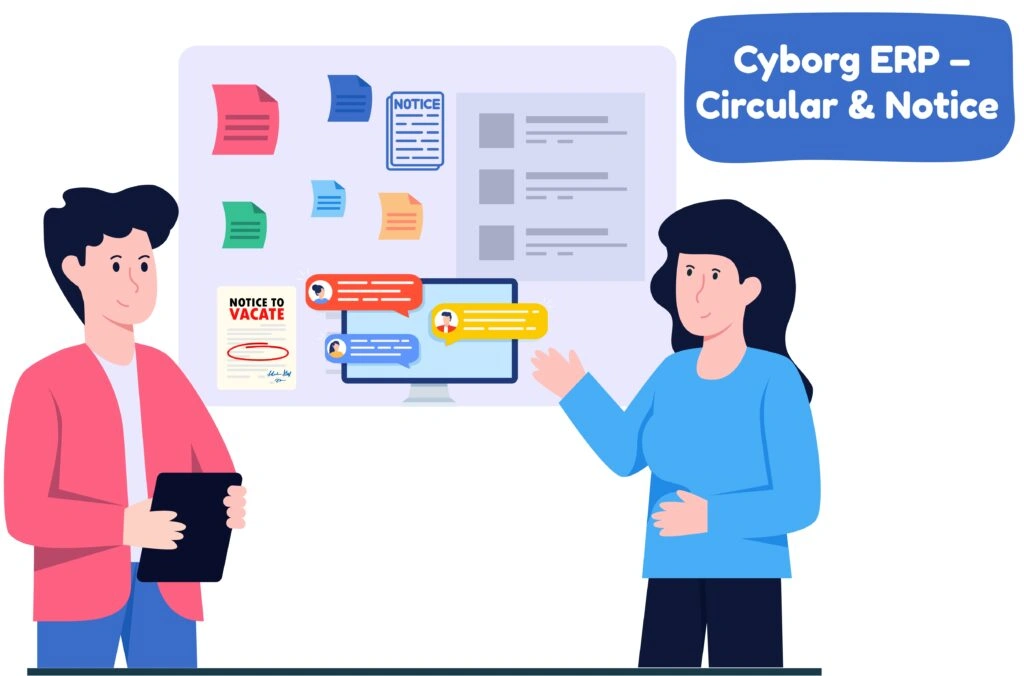
Circular and Notice for Universities, Colleges, and Schools, this module replaces scattered emails and notice boards with a single, auditable communication hub. Draft a circular, choose who should receive it, set visibility dates, and Cyborg ERP delivers it on both web and mobile—while maintaining a verifiable trail for IQAC, NAAC, and internal audits.
Compose the circular/notice, attach PDFs/images/docs, and tag the audience: university/college/school → program → year/sem → department → section → role (students, faculty, staff) as needed.
Maker–checker with remarks and versioning. Every change is time-stamped and attributed.
Set Date From/Date To; publish to portal/mobile. Send email/SMS/push notifications and in-app alerts—without spamming people outside the target list.
Ask for “Seen/Acknowledged” where required. Auto-reminders for those who haven’t viewed yet—before the due date.
See who viewed, when, and on which channel. Export CSV/PDF logs with issuer name, timestamps, and delivery stats.
On Date To, items auto-archive but remain searchable. Save content as a Template for next term.
Quick Specs — Smart Communication, Simplified
yborg ERP’s Notification and Circular Management module gives institutions complete control over how information flows across the campus. Target audiences precisely — from University → College → Program → Year/Sem → Department → Section → Role — and deliver messages across multiple channels including portal, mobile app, email, SMS, and in-app push. Manage governance effortlessly with templates, categories, high-priority pins, expiry controls, maker–checker approval, and full audit logs. Every communication stays verifiable with view history, acknowledgement tracking, CSV/PDF exports, and a searchable archive for future reference.
Ans: Yes—target by campus / college / department / year / section / role.
Ans: No—Date To auto-archives them; users can still search and export.
Ans: Enable “Acknowledgement needed” to collect read confirmations with timestamps.
Ans: Yes—optional maker–checker; define approvers by category (e.g., Exam / Fees / HR).