
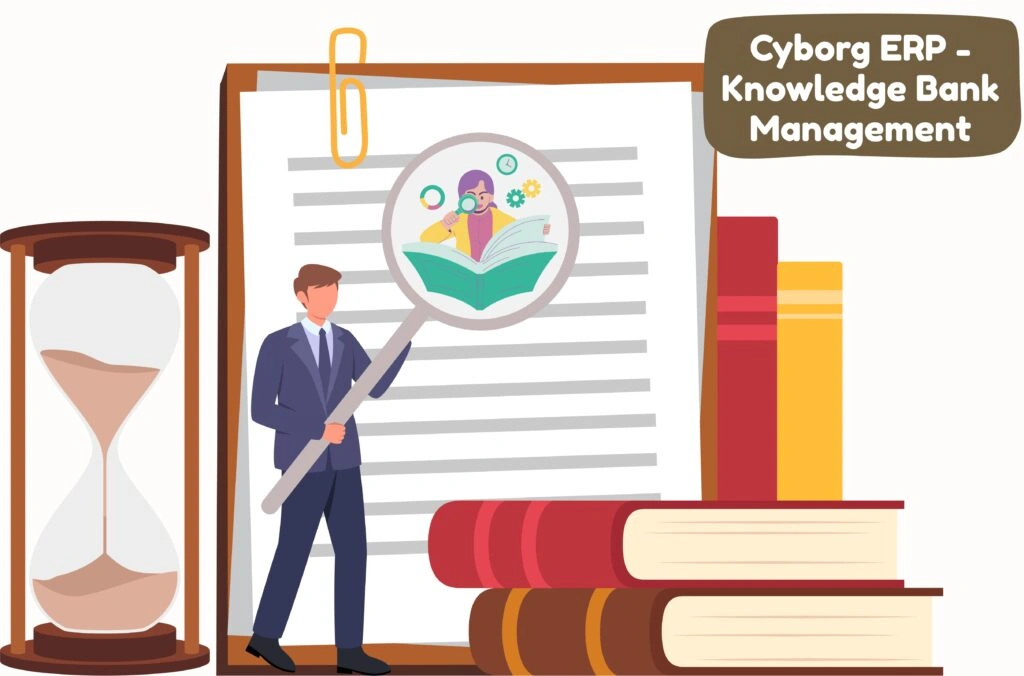
Cyborg ERP – Knowledge Bank Management

Cyborg ERP – Knowledge Bank Management

Cyborg ERP – Knowledge Bank Management

Your campus brain—organized, searchable, and always current

Notes, model answers, past papers, SOPs, lab sheets, policy circulars—every document that helps people learn or work should be easy to find. Cyborg ERP’s Knowledge Bank gives institutions a single, governed hub that publishes once and surfaces everywhere students and staff actually are.


Who Benefits (and How)

Students

  • See the right material for the right subject without hunting.
  • Access resources from Student Diary/LMS views with clear titles and dates.

Faculty

  • Publish in minutes, reuse next term, and keep version history clean.
  • Attach supporting files to assignments, quizzes, and lesson plans without duplication.

HOD / IQAC / Exam Cell / Library

  • Track which courses have core resources, which need attention, and when items were refreshed.
  • Export proof for audits; link OPAC/e-resources; keep one canonical copy of policies and formats.

What Lives in Your Knowledge Bank (Examples, Not Limits)

  • Unit-wise handouts, slide decks, reading packs, lab manuals, rubrics
  • Model answers, previous question sets, sample papers
  • Academic forms, calendars, circulars, examination guidelines
  • SOPs: attendance, plagiarism, evaluation, internship, project work
  • How-to guides for OPAC, LMS, email, and submission protocols
  • Department brochures, event briefs, industry talks (as learning artifacts)

Store once target by Session → Subject → College → Course → Sem/Year → Branch → Section/Set so each upload lands exactly where it belongs.

The Flow (Simple, Reliable)

1. Choose Subject

Select the academic context so relevance is guaranteed across multi-campus, multi-program setups.

2. Upload Panel

Give the item a clear title, pick a type (e.g., knowledge note, question set, policy), set the date, attach the file, and publish. The system handles placement and visibility based on your rules.

3. Uploaded Details

A live ledger of what exists, where it points, and who owns it—searchable, exportable, and perfect for HOD/IQAC reviews.

Typical Roll-Outs

  • Foundation subjects: publish a core starter pack per unit; reuse next session with minor edits.
  • Exam season: house model papers, instructions, and formats in one place—no last-minute chasing.
  • OBE/NAAC prep: keep SOPs and proof artifacts centralized; export lists straight into evidence folders.
  • Cross-campus parity: share vetted materials with affiliated colleges while preserving local notes.

Ready to Centralize Your Campus Knowledge?

Cyborg ERP’s Knowledge Bank lets you publish once and surface everywhere. Curate notes, model papers, SOPs, lab sheets, and reference material with versioning, approvals, and search—then surface the right file inside Student Diary, LMS, Course File, and module pages. One governed hub for NAAC-ready evidence and everyday learning.

📚 FREQUENTLY ASKED QUESTIONS (FAQS)


Q1. Can we scope visibility so only the right class sees the file?

Ans: Yes—visibility follows the academic context you choose while uploading.

Q2. Does this replace our LMS?

Ans: No—it complements LMS. Cyborg acts as the long-term, governed repository and pipes files into LMS/Diary views.

Q3. Can we move content forward to a new session?

Ans: Yes—clone or promote while keeping last term archived for audit.

Q4. How do we avoid duplicates?

Ans: Context tagging + versioning + reviewer sign-off ensure one canonical copy per course run.

Contact Us

Contact Us

We typically reply in a few minutes.