
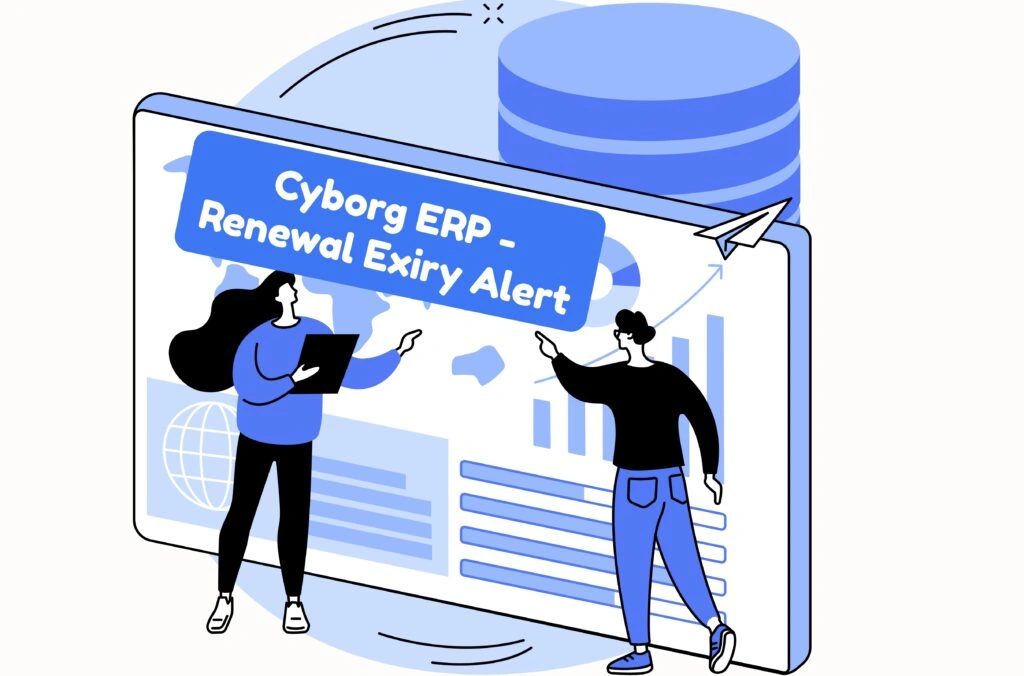
Keep your campus compliant and audit-ready. Renewal & Expiry Alert places role-aware reminders on the dashboard homepage for everything that matters—Quality Check, Affiliation & NAAC (A/A+ grading), NVA/Advisory, licenses/AMCs, and other institute-specific renewals—so teams act on time with the right documents and approvals. Each alert shows the owner, due date, next action, and evidence status, with gentle reminders (T-90/T-60/T-30/T-7/Due) and optional escalation to HOD/Principal if something stalls. Upload fee challans, letters, and annexures, request e-sign, and archive the record—Cyborg stamps everything with a timestamp and approver details and schedules the next cycle automatically.
Heads are configurable by campus, college, or department. Use the same naming you already follow across Cyborg ERP.
Plan → perform check → attach report → record ATR → send for approval → archive with date & owner.
Fee challan → document/annexure upload → committee minutes → submission proof → final approval.
Assign responder → draft reply → attach acknowledgment/receipt → mark closed with approver note.
Vendor quote → PO/payment proof → license/contract file → activation verification → close & schedule next.
Stay Audit-Ready with Cyborg Renewal & Expiry Alerts
Never miss a renewal again. From NAAC and Affiliation cycles to AMCs, licenses, and safety audits — every alert, reminder, and approval is automated and visible in one place. Stay compliant, on time, and always ready for inspection with Cyborg ERP.
Ans: Yes—each head can have its own T-90 / T-60 / T-30 / T-7 reminder ladder for alerts and notifications.
Ans: Yes—map heads at campus, college, or department level with separate owners and approvers for each unit.
Ans: Closed items are automatically archived along with supporting documents; the next cycle is scheduled without manual effort.
Ans: Where enabled, approvers can digitally sign No Dues records; every approval carries a time-stamp and approver details for verification.