
Cyborg ERP – Single Window No Dues Clearance System

Cyborg ERP – Single Window No Dues Clearance System

Cyborg ERP – Single Window No Dues Clearance System

One Portal to Finish Everything and Leave with Confidence

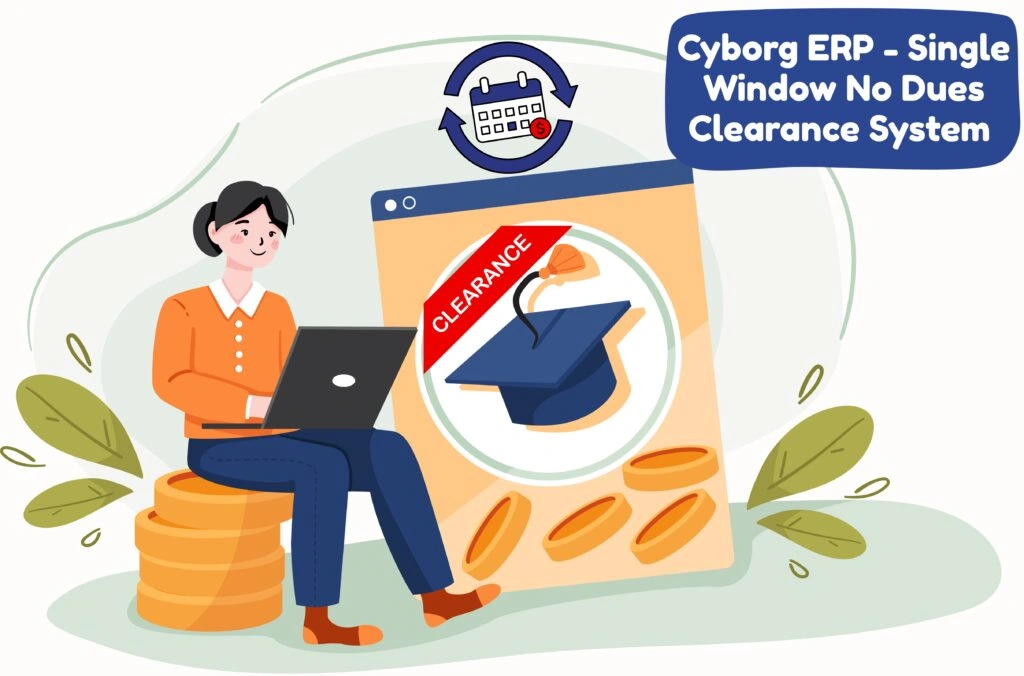
Graduation, transfer, internship—whatever the reason, students shouldn’t have to chase departments. Cyborg ERP – Single Window No Dues Clearance System aggregates every head of clearance—Library, Accounts/Fees, Hostel, Labs, IT Cell, Transport, Examination Cell, and custom heads—into a single, guided journey.


Students see dues in real time, pay instantly, and receive a QR-verified, e-signed No Dues Certificate. Departments get a purpose-built console with SLAs, remarks, attachments, and a tamper-proof audit trail.


What Makes It Different

  • Truly unified : Pulls liabilities live from connected modules (Library, Fees, Hostel, Labs, Transport, Exam) so totals are always accurate-no manual collation.
  • Guided for students : Shows only relevant heads based on profile (program, college, hostel/transport opt-in, lab access), with a clear “what to do next” for each.
  • Zero last-week chaos : Auto-reminders, escalation timers, and bulk approvals eliminate end-semester backlogs.
  • Tamper-evident outcomes : Every approval carries user, role, IP, timestamp, and optional e-sign; the final certificate verifies online via secure QR.
  • Policy-aware : Optional holds (e.g., result, TC, hall ticket) lift automatically once targeted heads are cleared.

Student Experience in One Line

Login → Review heads → Pay (if needed) → Download QR-verified certificate. That’s it.

📚 FREQUENTLY ASKED QUESTIONS (FAQS)


Q1. Can heads vary by course or campus?

Ans: Yes—define heads per campus/college/program/hostel/transport opt-in; students only see what applies to them.

Q2. What if a head needs a physical handover (e.g., lab kit)?

Ans: Capture handover evidence (photo/acknowledgment), add remarks, and approve; attachments live with the request.

Q3. How do we handle disputes?

Ans: Departments can reject with reasons; students get guided prompts to resolve and resubmit. Admins may override with audit notes.

Q4. Does the system work after students graduate?

Ans: Yes—alumni can re-download certificates; QR verification remains active for third-party checks.

Q5. We collect caution money—can it adjust automatically?

Ans: Absolutely. Map deposits to relevant heads; the system auto-applies adjustments and issues net payable/refund notes.

Q6. Can we bulk-approve known clean heads?

Ans: Yes—authorized users can bulk select and approve based on rules (e.g., “no library items issued”).

Contact Us

Contact Us

We typically reply in a few minutes.