
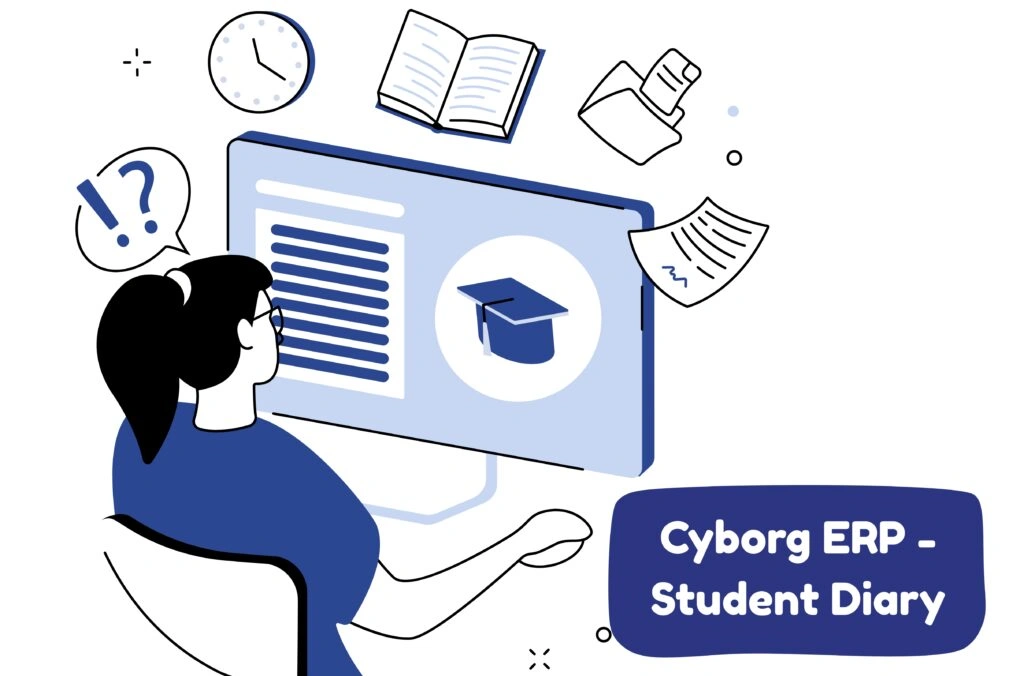
Cyborg ERP – Student Diary

Cyborg ERP - Student Diary for Modern Campuses

Cyborg ERP - Student Diary for Modern Campuses

One simple place for classes, exams, assignments, library, and more.

Cyborg ERP’s Student Diary brings a student’s academic life into one clean view—semester registration, attendance, timetable, today’s lectures, LMS assignments, exam applications, analysis, syllabus/previous papers, library (issue/renewal/fines/OPAC), feedback, and lesson plans. It’s mobile-friendly, real-time, and tightly integrated with your campus systems.


What Makes the Student Diary a Campus Essential

  • Everything in one dashboard : From attendance and assignments to exam forms and library renewals.
  • Mobile-first experience :Badge counts and alerts keep learners on track.
  • Data you can trust : Pulled directly from ERP modules—no duplicate entry.
  • Outcome focused: Links learning tasks to exams, progress, and resources.
  • Governed & secure : Role-based access, audit logs, and privacy controls.

Reports & Analytics (for Students and Admins)

  • Attendance trend (overall and subject-wise).
  • Assignment completion and grade distribution.
  • Exam analysis by subject/term with improvement hints.
  • Library usage: issues, renewals, fines history.
  • Feedback completion rates and sentiment summaries (admin-only).
  • Export to PDF/Excel where applicable.

Integrations (Cyborg ERP Ecosystem)

  • Admissions/Academics: Semester registration and elective mapping.
  • Attendance: Real-time class and subject-wise % from faculty entries.
  • LMS/Assignments: Create, submit, grade, and remark—fully synced.
  • Exam & Finance: External exam applications, fee payment, and receipts.
  • SPA (Performance): Optional linkage for CO/PO-based analysis.
  • Digital Library: Issue/renew, fines, and OPAC search.
  • Notification Management: Due date nudges for classes, assignments, fees, library, and exams.

Experience Cyborg ERP in Action

Streamline your academic operations with Cyborg ERP’s integrated platform. Discover how automation enhances learning, reduces workload, and keeps your institution future-ready.

📚 FREQUENTLY ASKED QUESTIONS (FAQS)


Q1. Can parents access the Student Diary?

Ans: Yes—if enabled by the institution, parents/guardians get a read-only view.

Q2. Can I apply for both internal and external exams here?

Ans: Internal exams are scheduled by the institution; external exam apply is available where the university workflow is integrated.

Q3. What file types can I upload for assignments?

Ans: Common formats like PDF, DOCX, PPT, images, and zipped code files—limits set by your institution.

Q4. How accurate is attendance data?

Ans: It syncs from the Attendance module after faculty submission; any corrections follow institute policy.

Q5. Can I pay exam/library fees online?

Ans: Yes—payments flow through the Finance gateway with receipts stored in your profile.

Contact Us

Contact Us

We typically reply in a few minutes.