
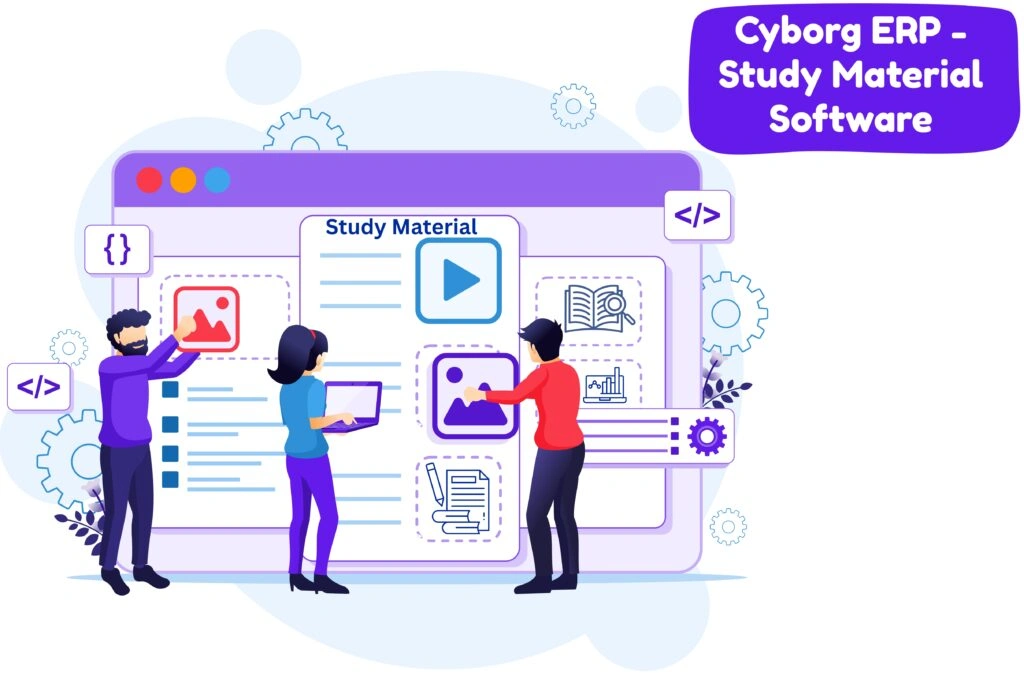
Give every class one organized shelf for learning—notes, slides, readings, problem sheets, and video links—without the chaos of scattered drives and chats. In Cyborg’s Study Material module, you simply pick the Session → Subject → College/Course → Sem/Year, add a clear title, a short objective, and a few keywords, then upload a file or attach a video/link. Hit Publish and the resource appears only for the mapped cohort, not the whole campus.
For students, that means a clean, distraction-free library that matches their timetable and unit flow. For faculty, it’s two-minute publishing with built-in structure—no duplicate threads, no wrong-class visibility. And for IQAC, every item is automatically time-stamped and exportable as evidence (titles, objectives, owners, dates) to support NAAC/OBE documentation and course files.
Ans: Only the students mapped to the Session/Subject/Course/Semester you selected—and authorized staff.
Ans: Yes. Use Upload Other File to keep updates under one topic thread with a clear history.
Ans: Yes. Add Video/Content Links with title, type, URL, and a brief; great for flipped or blended learning.
Ans: Yes. Titles, objectives, keywords, timestamps, and exportable registers provide clean course-file evidence.
Ans: Yes. Use Export in the “Uploaded Study Materials” section for audits or departmental reports.