
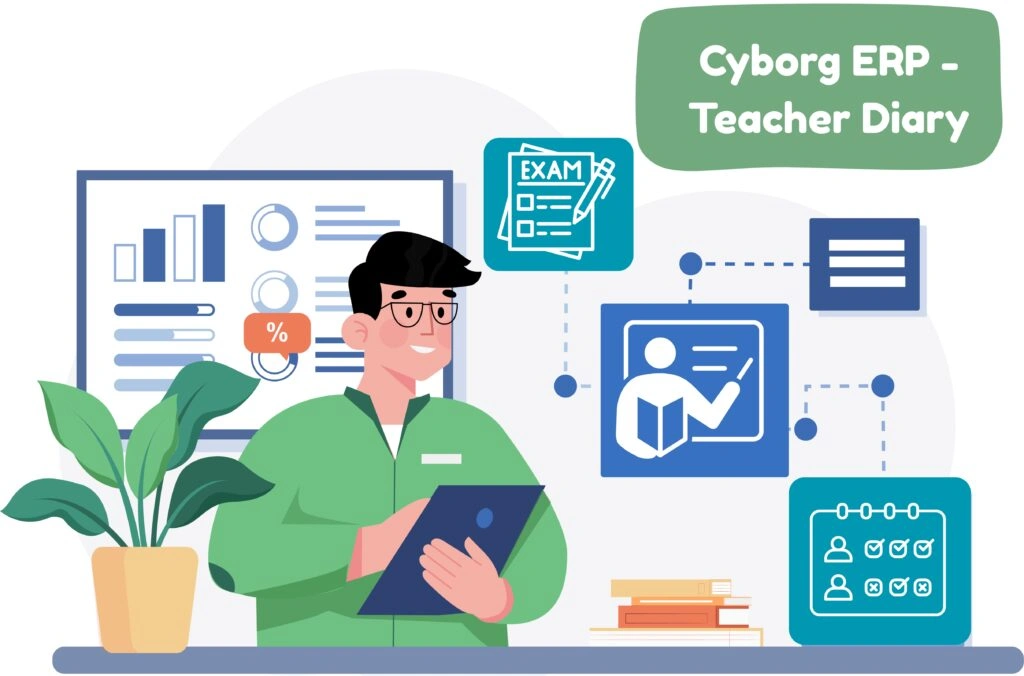
Cyborg ERP – Teacher Diary

Cyborg ERP - Teacher Diary for Modern Campuses

Cyborg ERP - Teacher Diary for Modern Campuses

One place for every teaching record—personal, academic, and administrative.

Cyborg ERP’s Teacher Diary gives faculty a single, organized workspace to manage daily teaching, timetable, syllabus progress, attendance trends, mentoring, research, leaves, exam duties, and more. Data flows automatically from HR, Timetable, Attendance, LMS, SPA, Exam, and Inventory—so teachers spend less time on paperwork and more time on students.


Why Institutions Choose Cyborg Teacher Diary

  • Everything in one view: Personal profile, organisation info, timetable, DPR, syllabus %, class details, attendance insights, and progress cards—exactly like your dashboard screens.
  • Daily teaching made simple: Record lectures and topics in seconds; syllabus % and load variance update automatically.
  • Evidence for accreditation: Exportable logs for syllabus coverage, mentoring, feedback, publications, exam duties—ready for NAAC/NBA audits.
  • ERP-native integrations Works with HRMS, Timetable, Attendance, LMS, Question Bank, Exam, SPA, Inventory, and Leave.
  • Secure & governed Role-based permissions, approvals where needed, and full audit trails.

Integrations (Cyborg ERP Ecosystem)

  • HRMS: Employee master, designation/band, experience, payroll tiles.
  • Timetable: Period mapping, “Today’s Lecture”, substitute history.
  • Attendance: Student attendance stats and lecture-wise marking.
  • LMS & Question Bank: Assignment counters and question/knowledge bank links.
  • Exam: Duty allocation and main-exam analysis; result sync to SPA.
  • SPA: Topic-wise outcome analytics when assessments are mapped to CO/PO.
  • Leave: Assigned/Taken/Available with approvals.
  • Inventory: Requisition approvals widget.

Teacher’s Diary – Smart Academic Management

Cyborg ERP’s Teacher’s Diary helps educators manage daily lectures, attendance, and syllabus progress effortlessly. It streamlines reporting, reduces paperwork, and provides instant academic insights — empowering teachers to focus more on teaching and less on administration.

📚 FREQUENTLY ASKED QUESTIONS (FAQS)


Q1. Can teachers edit past DPR entries?

Ans: Yes—subject to policy. Every edit is logged with user, timestamp, and reason.

Q2. Does syllabus % calculate automatically?

Ans: Yes. DPR topics update Taught Topics and Syllabus % in real time.

Q3. Can HODs see department-wise dashboards?

Ans: Yes. Use Teaching Progress Status, Exam Analysis, and Lecture Plan filters.

Q4. How are leave and in-out details synced?

Ans: They come from Leave and Attendance/Biometric modules—no duplicate entry.

Q5. Can we export evidence for NAAC/AISHE?

Ans: Yes—every grid supports Excel/PDF exports with summaries and date/session filters.

Contact Us

Contact Us

We typically reply in a few minutes.